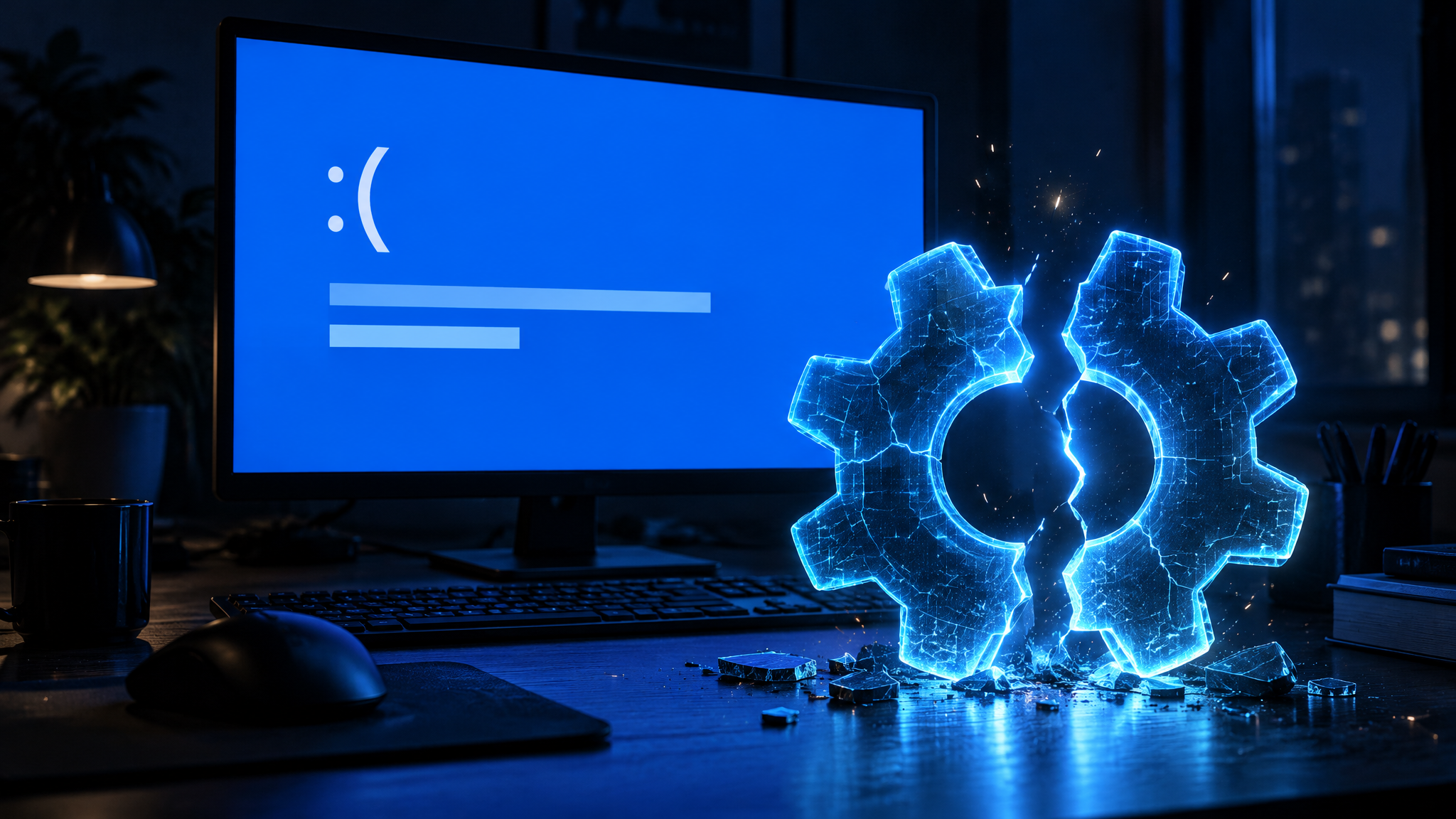
KERNEL_SECURITY_CHECK_FAILURE (stop code 0x00000139) sounds like a hack, but it almost never is. It means the Windows kernel checked one of its internal data structures, found it corrupted, and stopped before the damage could spread.
What corrupts it? Usually a driver that writes where it shouldn't, unstable memory, or corrupt system files.
Before You Change Anything
Don't panic about security. "Security check" refers to an internal integrity check, not a breach.
Note recent changes: new antivirus, VPN, game anti-cheat, drivers, hardware or Windows updates.
Back up your files if the PC is crashing often.
Confirm You Have This Problem
The blue screen says "Stop code: KERNEL_SECURITY_CHECK_FAILURE."
Or Event Viewer → System → Event ID 1001 lists bugcheck 0x00000139.
Possible Causes
| Cause | Clue |
|---|---|
| Buggy third-party driver | Dump names the same .sys file each time |
| Two security products conflicting | Third-party antivirus plus another security or anti-cheat tool |
| Unstable RAM or memory overclock | Different module in each dump |
| Corrupt system files | SFC finds and repairs files |
| Outdated drivers after a Windows feature update | Crashes started after a major upgrade |
Step-by-Step Diagnostic (Lowest Risk First)
Step 1: Read the crash dump
Open the newest file in C:\Windows\Minidump with WinDbg and run !analyze -v. Note IMAGE_NAME and MODULE_NAME. A third-party driver named in multiple dumps is your answer: update or remove whatever it belongs to.
Step 2: Check for conflicting security software
Running two real-time antivirus products, or an antivirus plus aggressive "PC protection" or anti-cheat software, is a common cause. Uninstall third-party security tools using the vendor's removal tool, and let Microsoft Defender take over. Test for a few days.
Step 3: Repair system files
In Terminal (Admin):
DISM /Online /Cleanup-Image /RestoreHealth
sfc /scannow
Restart after SFC finishes.
Step 4: Update drivers from the source
Update chipset, graphics, network and storage drivers from the PC or component maker. This matters most right after a Windows feature update, when old drivers may not fully support the new version.
Also check Windows Security → Device security → Core isolation. If it lists incompatible drivers, update or remove them.
Step 5: Test memory
Turn off XMP/EXPO in the BIOS, then run MemTest86 from a USB stick for at least one full pass. Any error points to RAM or memory settings. See our MEMORY_MANAGEMENT guide for how to find the bad stick.
Step 6: Check the drive
chkdsk C: /scanCorrupt data read from a failing drive can also corrupt kernel structures. Check your drive's health with the maker's tool or CrystalDiskInfo.
Step 7: Repair Windows in place
If all of the above is clean, run an in-place repair upgrade: run setup.exe from the Windows 11 ISO inside Windows and choose Keep personal files and apps.
How to Know It's Fixed
No new 0x139 crashes or minidumps for a week.
SFC reports no integrity violations.
MemTest86 passes with zero errors.
When to Stop and Get Help
Crashes continue on a clean Windows install with only Microsoft and manufacturer drivers. Suspect RAM or the motherboard.
The drive shows health warnings. Back up first.
A Help Desk Perspective
The pattern I see most with this one is two security products fighting each other. Someone installs a third-party antivirus, a "PC optimizer" with its own protection, and a game with kernel anti-cheat, and the kernel ends up with three different drivers hooking the same things. Take it back to Defender only, and a surprising number of these crashes simply stop.
Found this helpful?
Share it with someone who could use it.
DiagnoseMyPC Team
Expert PC diagnostics and troubleshooting guides to help you keep your Windows system running smoothly.
Get the free Windows Troubleshooting Checklist
Subscribe and instantly download our 50-point Windows troubleshooting checklist — plus practical fixes, performance tips, and security alerts from the DiagnoseMyPC team.
No spam. Unsubscribe anytime.
Frequently Asked Questions
Does KERNEL_SECURITY_CHECK_FAILURE mean I've been hacked?
Almost never. It refers to an internal integrity check in Windows, not a security breach. A malware scan is still a sensible precaution.
Can antivirus cause this error?
Yes. Third-party security drivers, especially two running at once, are a common cause.
Will a Windows reset fix it?
It can if the cause is software, but read the crash dump first. If it's RAM or a driver you'll reinstall, the crash will come back.
How do I know which driver is responsible?
Read the minidump, or let DiagnoseMyPc read your crash dumps and driver list and rank the likely causes.