See It in Action
Watch how PC Diagnostic Analyzer finds and fixes Windows issues in under 5 minutes — completely free.
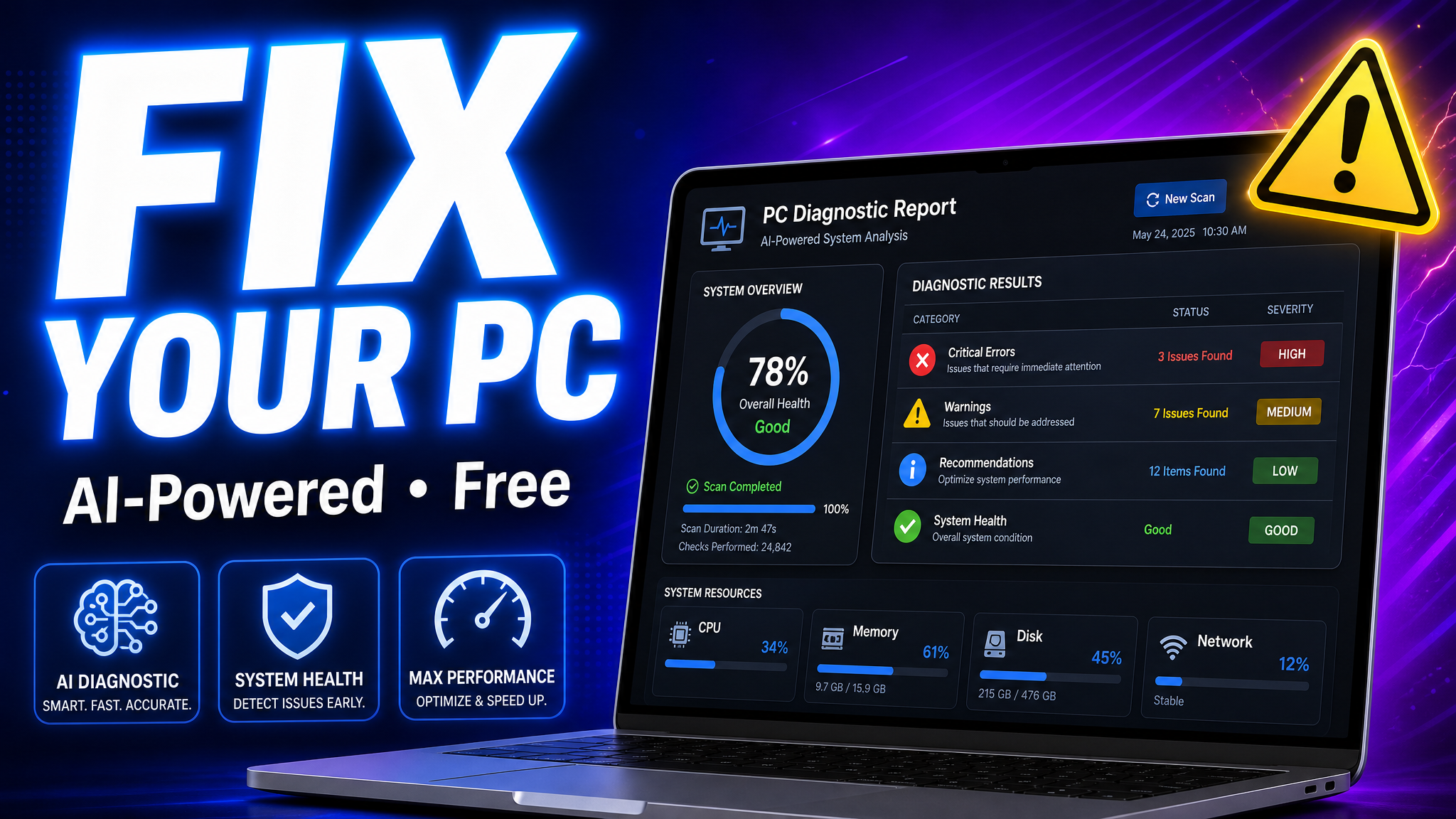
In the meantime, follow the step-by-step guide below
Under 5 Minutes
From download to full diagnostic report
100% Secure
Files analyzed in real-time, then deleted
AI-Powered
50+ checks across hardware, software & security
Free to Start
5 free analyses every month, no credit card
Step-by-Step Guide
Describe Your Problem
Sign up for free, then just type what's going wrong — "My PC is slow," "Blue screen when gaming," or "WiFi keeps disconnecting." No downloads or tools needed.
💡 This is the fastest way to get help. Most issues can be diagnosed from a description alone.
Or Upload More Details
Want a deeper analysis? Upload a screenshot of an error message, paste output from a Windows command, or run our full system scan tool for the most comprehensive report.
💡 All 4 input methods use the same AI engine and count as 1 analysis.
Get Your AI-Powered Report
Within 60 seconds, you'll receive a comprehensive report. Issues are ranked by severity (Critical, Warning, Info) with detailed explanations and step-by-step fix instructions.
💡 You can export the report as a PDF to share with your IT team or keep for records.
Follow the Fixes
Each issue comes with clear, actionable steps. Pro users get copy-paste commands, links to official Microsoft docs, and AI-highlighted related findings.
💡 Most issues can be resolved in under 15 minutes with our guided instructions.
What You Get in Each Plan
All plans use the same AI engine. Upgrade for deeper analysis and more scans.
| Feature | Free | Pro |
|---|---|---|
| AI-powered issue detection | ||
| Severity-ranked results | ||
| Basic resolution steps | ||
| PDF export | ||
| Analyses per month | 5 | 30 |
| "Describe Your Issue" field | ||
| AI highlights related findings | ||
| Step-by-step guides with commands | ||
| One-click PowerShell fix script | ||
| Resource links to official docs |
Describe Your Issue
Tell the AI exactly what's wrong for targeted analysis
Related Findings
AI badges show which issues connect to your described problem
Copy-Paste Commands
PowerShell & CMD commands ready to run in your terminal
One-Click Fix Script
Auto-generated PowerShell script that fixes detected issues in one run
Official Doc Links
Direct links to Microsoft support articles for each issue