DPC_WATCHDOG_VIOLATION (stop code 0x00000133) means a driver kept the CPU busy for too long without letting anything else run. Windows has a watchdog timer for exactly this situation. When a driver hangs past the limit, Windows crashes rather than freezing forever.
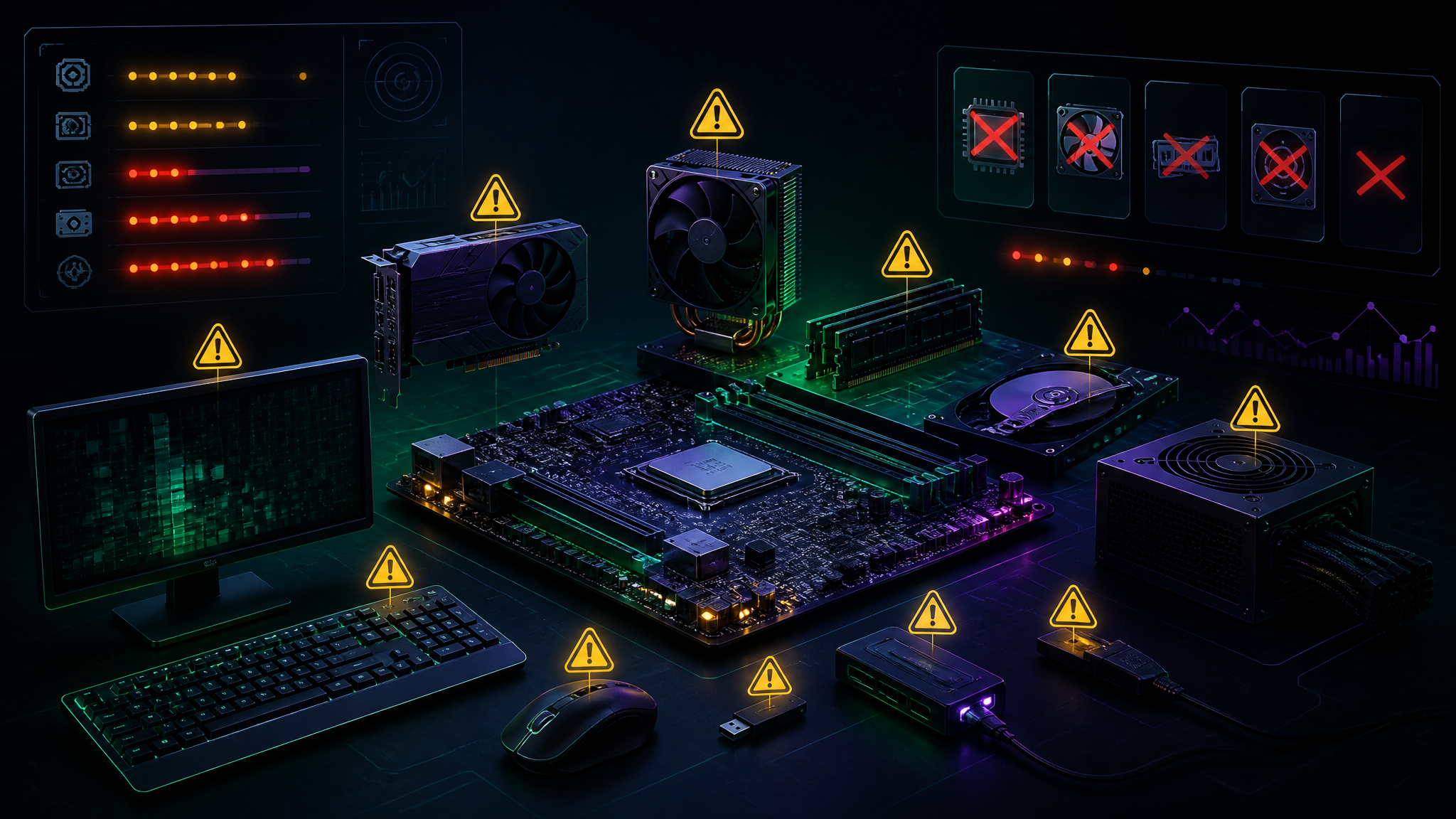
The usual suspects are drivers that talk to hardware constantly: storage controllers, SSD firmware, USB devices, and graphics or network drivers.
Before You Change Anything
Unplug anything you don't need: USB hubs, docks, external drives, capture cards, game controllers. Test with only a keyboard and mouse.
Note what you were doing: copying files, gaming, waking from sleep, plugging something in.
Don't run a driver-updater app. Get drivers from the hardware maker.
Confirm You Have This Problem
The blue screen says "Stop code: DPC_WATCHDOG_VIOLATION."
Or Event Viewer → System → Event ID 1001 lists bugcheck 0x00000133.
Possible Causes
| Cause | Clue |
|---|---|
Old Intel RST (iaStorA.sys) or other SATA controller driver | Common on older Windows 10 PCs with SATA SSDs |
| Outdated SSD firmware | Crashes during heavy disk activity |
| Faulty USB device or hub | Crashes stop when it's unplugged |
| Graphics or network driver | Dump points to nvlddmkm.sys, amdkmdag.sys, Wi-Fi driver |
| Outdated chipset drivers or BIOS | Older system; crashes after waking from sleep |
Step-by-Step Diagnostic (Lowest Risk First)
Step 1: Unplug and test
Disconnect every non-essential USB device and dock. Use the PC normally for a day. If the crashes stop, plug devices back in one at a time until the crash returns. That device (or its driver) is the cause.
Step 2: Read the crash dump
Open the newest file in C:\Windows\Minidump with WinDbg and run !analyze -v. With 0x133, also look for a driver name near the top of the STACK_TEXT section. Storage (iaStorA.sys, stornvme.sys, storahci.sys), graphics and network drivers show up most often.
Step 3: Switch the SATA controller driver (if it's iaStorA.sys)
On older Intel systems, the Intel Rapid Storage Technology driver is a well-known cause. Switching to Microsoft's built-in driver often fixes it:
Open Device Manager → IDE ATA/ATAPI controllers.
Right-click the SATA AHCI controller → Update driver → Browse my computer → Let me pick from a list.
Choose Standard SATA AHCI Controller → Next, then restart.
Don't do this if your PC uses RAID or Intel VMD. That driver is needed to see your drive. If in doubt, skip this step.
Step 4: Update SSD firmware
Install your SSD maker's tool (Samsung Magician, WD Dashboard, Crucial Storage Executive, Kingston SSD Manager) and check for a firmware update. Firmware bugs that stall the drive are a known cause of this error.
Back up first. Firmware updates are usually safe, but not guaranteed.
Step 5: Update chipset drivers and BIOS
Get the latest chipset drivers from Intel/AMD or your PC maker, and the latest BIOS from your motherboard or laptop maker's support page. Follow their instructions exactly, and don't interrupt a BIOS update.
Step 6: Update or roll back graphics and network drivers
If the dump named one of these, install the latest version from NVIDIA/AMD/Intel or your laptop maker. If the crashes started after an update, roll back to the previous version instead.
How to Know It's Fixed
No new 0x133 crashes for a week, including during big file copies and gaming.
Sleep and wake work normally.
Devices you reconnected one by one don't bring the crash back.
When to Stop and Get Help
Crashes continue with every device unplugged and all drivers and firmware updated. The drive or motherboard may be failing.
The SSD shows health warnings in its maker's tool.
You're not sure whether your system uses RAID or VMD. Don't change storage drivers.
A Help Desk Perspective
For years, the fix I applied most often for DPC_WATCHDOG_VIOLATION was swapping the old Intel storage driver for the standard Microsoft one. It took two minutes. These days I see USB docks and SSD firmware just as often. Either way, the unplug test in Step 1 costs nothing and rules out a lot.
Found this helpful?
Share it with someone who could use it.
DiagnoseMyPC Team
Expert PC diagnostics and troubleshooting guides to help you keep your Windows system running smoothly.
Get the free Windows Troubleshooting Checklist
Subscribe and instantly download our 50-point Windows troubleshooting checklist — plus practical fixes, performance tips, and security alerts from the DiagnoseMyPC team.
No spam. Unsubscribe anytime.
Frequently Asked Questions
Is DPC_WATCHDOG_VIOLATION a hardware problem?
Usually it's a driver or firmware problem, which is good news because those are fixable. Failing hardware is possible but less common.
Can an SSD cause DPC_WATCHDOG_VIOLATION?
Yes. Outdated SSD firmware and the storage controller driver are two of the most common causes.
Is it safe to switch to the Standard SATA AHCI Controller?
On normal AHCI systems, yes. Don't switch if your PC uses RAID or Intel VMD, because Windows may not be able to see the drive afterwards.
How do I find the driver that's timing out?
Read the crash dump's stack text, or let DiagnoseMyPc read your crash dumps and drivers and point you at the likely culprit.