What Is a CPU? Everything You Need to Know About Processors
If you've ever wondered why one computer feels lightning-fast while another crawls through basic tasks, the answer almost always comes back to the CPU. The Central Processing Unit is the single most important component in your PC, yet most users have only a vague idea of what it actually does. In this guide, we'll demystify the processor — from the basics of how it works to the specs that actually matter for real-world performance.
What Does a CPU Actually Do?
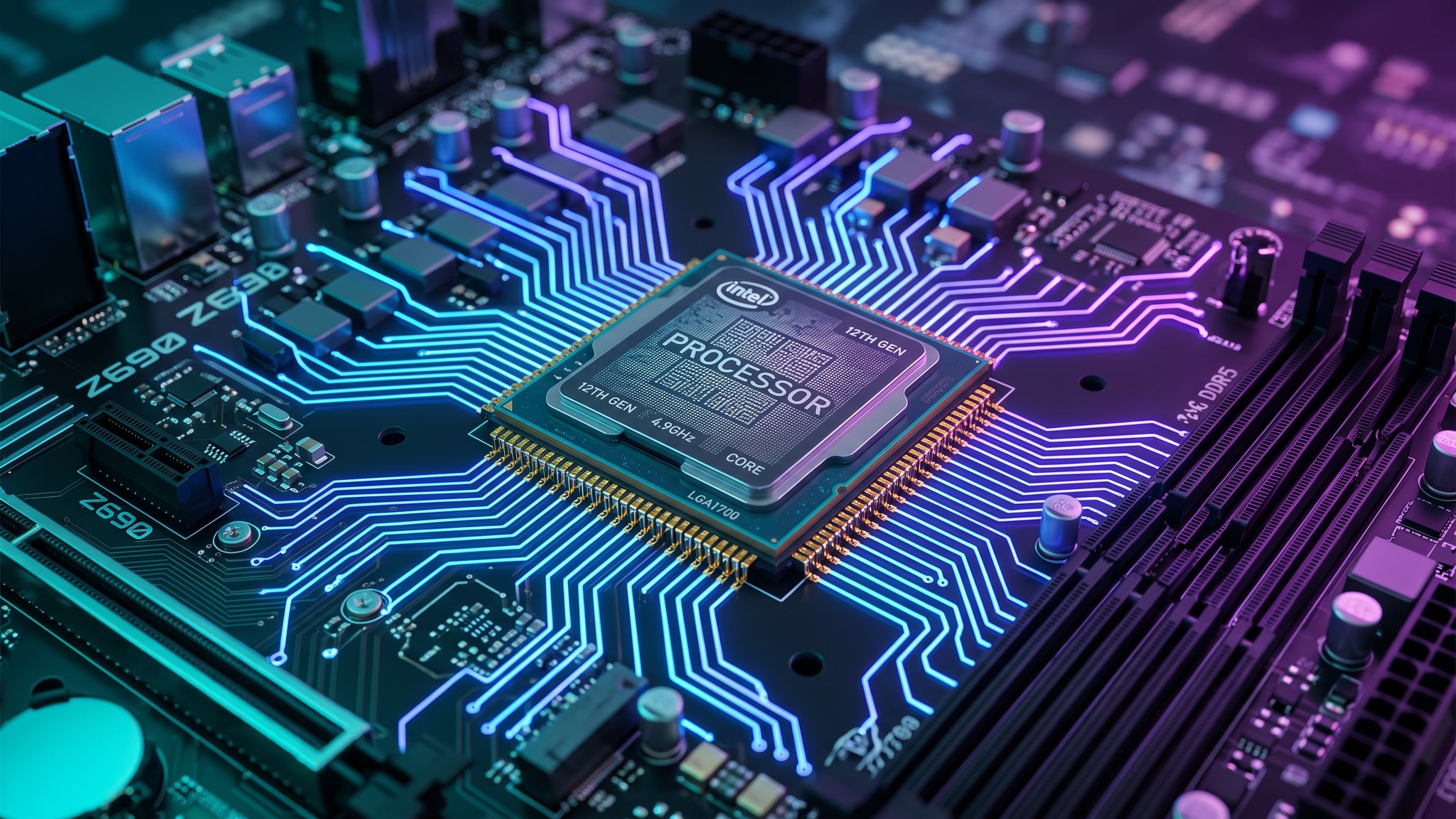
At its core, a CPU executes instructions. Every time you open a browser tab, save a document, or launch a game, your processor is fetching, decoding, and executing billions of tiny instructions per second. Think of it as the conductor of an orchestra: it doesn't play every instrument itself, but it coordinates every other component — RAM, storage, GPU — to produce a coherent result.
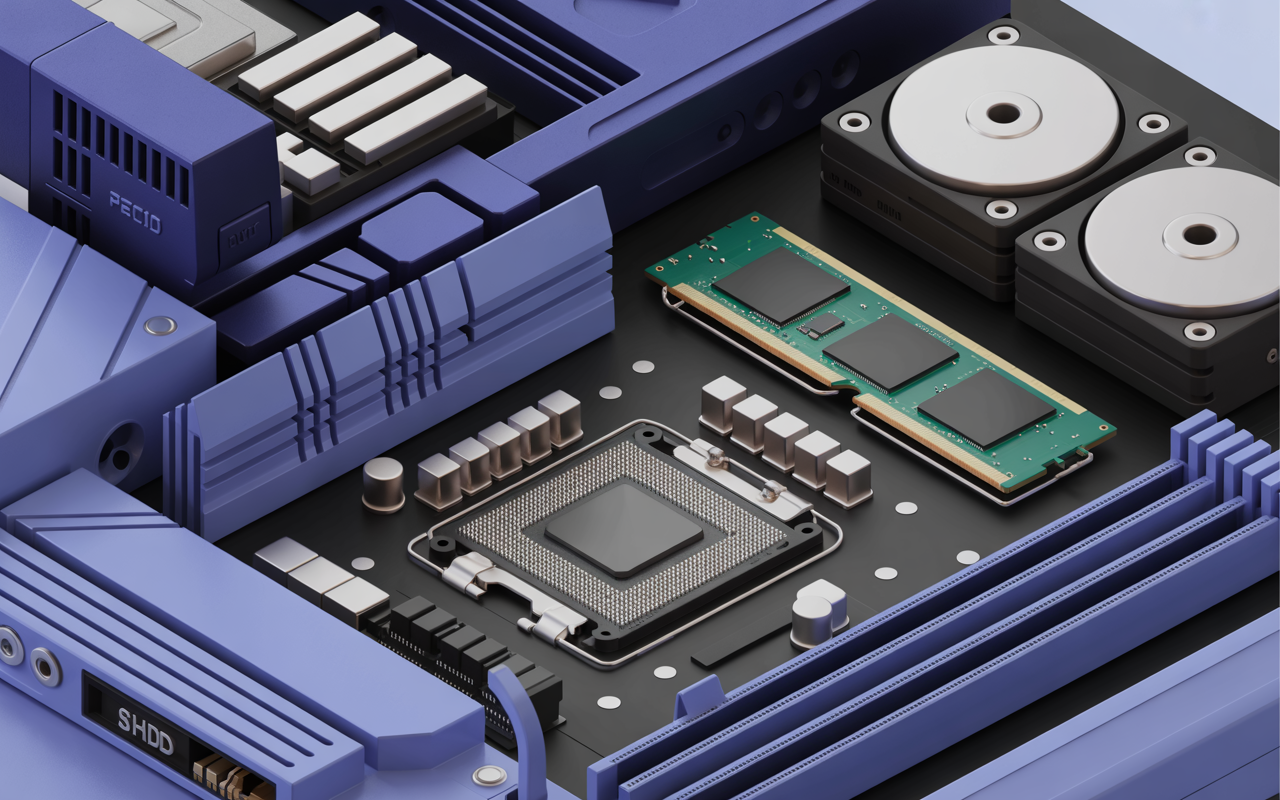
The CPU communicates with the rest of your system through the motherboard, using a high-speed interface called the system bus. Data flows in and out of the processor constantly, and the speed and efficiency of that flow determines how responsive your PC feels.
Having this problem on your own PC?
Describe what's happening and get a real AI diagnosis in seconds — no account needed.
Key CPU Specifications Explained
When shopping for a processor or diagnosing performance issues, you'll encounter a handful of core specs. Here's what each one means:
Clock Speed (GHz)
Clock speed measures how many cycles per second a CPU can execute, expressed in gigahertz (GHz). A processor running at 3.5 GHz completes 3.5 billion cycles every second. Higher clock speeds generally mean faster single-threaded performance — important for tasks like gaming and everyday desktop use.
However, clock speed alone doesn't tell the whole story. A modern CPU at 3.0 GHz can easily outperform an older chip at 4.0 GHz because of architectural improvements.
Core Count and Threads
Modern CPUs contain multiple cores — essentially independent processing units on a single chip. A quad-core processor can handle four tasks simultaneously, while an octa-core chip handles eight.
Threads (sometimes called logical processors) are virtual cores created through a technology called Hyper-Threading (Intel) or SMT (AMD). A 6-core CPU with Hyper-Threading presents 12 logical processors to Windows, allowing better multitasking.
You can check your core and thread count right now by opening Task Manager:
Ctrl + Shift + Esc → Performance → CPUOr run this in PowerShell:
Get-WmiObject -Class Win32_Processor | Select-Object Name, NumberOfCores, NumberOfLogicalProcessorsCache Memory
CPU cache is ultra-fast memory built directly into the processor die. It stores frequently accessed data so the CPU doesn't have to wait for slower RAM. Cache is organized in levels:
L1 cache — Smallest and fastest (typically 32–64 KB per core)
L2 cache — Larger buffer (256 KB to 1 MB per core)
L3 cache — Shared across all cores (4 MB to 64 MB+)
A larger L3 cache is especially beneficial for workloads like video editing, 3D rendering, and large database operations.
TDP (Thermal Design Power)
TDP is measured in watts and indicates how much heat a CPU generates under sustained load. A processor with a 65W TDP requires a cooler rated for at least that wattage. Exceeding your cooler's capacity leads to thermal throttling — where the CPU automatically reduces its clock speed to prevent damage, causing noticeable slowdowns.
Intel vs. AMD: What's the Difference?
The two dominant CPU manufacturers each have their strengths:
Intel Core processors (i3, i5, i7, i9) traditionally excel at single-threaded performance and are popular for gaming.
AMD Ryzen processors offer excellent multi-threaded performance and value, making them favorites for content creation and productivity workloads.
Both brands have converged significantly in recent generations. The best choice depends on your specific use case, budget, and motherboard compatibility.
How to Check Your CPU's Current Performance
Windows provides several built-in tools to monitor your processor:
Task Manager gives a real-time view of CPU utilization:
Ctrl + Shift + Esc → Performance tabResource Monitor offers more granular per-process data:
resmonWindows Management Instrumentation (WMI) can pull detailed specs:
Get-WmiObject Win32_Processor | Format-List *For a comprehensive health check that goes beyond what built-in tools offer, DiagnoseMyPc scans your CPU temperature, utilization patterns, and performance benchmarks in a single pass — giving you an instant picture of whether your processor is healthy or struggling.
Common CPU Problems and Warning Signs
Knowing your CPU specs is only half the battle. Here are the most common processor-related issues to watch for:
Consistently high CPU usage (above 80–90%) — Could indicate a runaway process, malware, or an underpowered processor for your workload
Thermal throttling — CPU temperatures above 90°C under load cause automatic slowdowns
Frequent application crashes — Can result from CPU instability, especially on overclocked systems
Slow boot times — Sometimes caused by CPU-intensive startup programs rather than storage issues
If you suspect your processor is the bottleneck, DiagnoseMyPc can pinpoint exactly which processes are consuming the most CPU cycles and whether your chip is running within safe thermal limits.
Understanding CPU Generations and Upgrades
CPU generations matter more than most users realize. Intel's naming convention uses a generation number embedded in the model number — for example, the i7-13700K is a 13th-generation chip. AMD uses a similar scheme with Ryzen 5000, 7000, and 9000 series.
Newer generations bring:
Improved instructions per clock (IPC) — More work done per cycle
Better power efficiency — Lower heat output at the same performance level
New instruction sets — Support for AI acceleration, faster encryption, and more
Before upgrading, always verify socket compatibility with your motherboard. Intel and AMD both change sockets periodically, meaning a new CPU may require a new motherboard as well.
Should You Upgrade Your CPU?
Upgrading a CPU is one of the most impactful — and expensive — PC upgrades. Consider it if:
Your CPU usage is consistently above 85% during normal tasks
Your processor is more than 4–5 generations old
You're experiencing bottlenecking (GPU sitting idle while CPU maxes out)
Thermal throttling is limiting performance despite good cooling
Not sure if your CPU is actually the problem? Run a full diagnostic first. Many perceived CPU issues are actually caused by insufficient RAM, a failing hard drive, or background malware — all of which DiagnoseMyPc can detect without requiring any hardware changes.
Conclusion
Your CPU is the heartbeat of your PC, and understanding how it works puts you in control of your computer's performance. From clock speeds and core counts to cache sizes and thermal limits, every spec plays a role in how your system handles real-world tasks.
Ready to see exactly how your processor is performing right now? Try DiagnoseMyPc for free — it delivers a complete health report on your CPU, memory, storage, and more in just minutes. Don't guess at what's slowing you down; get the data and fix it fast.
Found this helpful?
Share it with someone who could use it.
DiagnoseMyPC Team
Expert PC diagnostics and troubleshooting guides to help you keep your Windows system running smoothly.
Get the free Windows Troubleshooting Checklist
Subscribe and instantly download our 50-point Windows troubleshooting checklist — plus practical fixes, performance tips, and security alerts from the DiagnoseMyPC team.
No spam. Unsubscribe anytime.
Frequently Asked Questions
I'm not technical — can I still use a PC diagnostic tool?
Absolutely. DiagnoseMyPc is built for non-experts: you paste an error or run a quick scan, and it explains what's wrong in plain language with clear next steps. No jargon or technical background required.
Do I need to install anything to get a diagnosis?
No. You can paste an error message, upload a screenshot, or paste command output and get an instant AI diagnosis right in your browser. There's an optional lightweight collector for a deeper analysis, but it's not required to start.
How is this different from just asking a regular AI chatbot?
It's purpose-built for Windows troubleshooting. Instead of generic advice, you get issues ranked by severity, findings tied to your actual system data, and ready-to-run fix scripts — not guesswork.
Is it really free to try?
Yes. You can run a free AI diagnosis with no account, and a free account gives you 5 full scans every month. One-click fix scripts and detailed guides are available with an affordable one-time $4.99 Fix Pass or a Pro plan.