Windows Boot and Recovery Diagnostic Guide
Work out why Windows will not start — firmware, boot configuration, drive detection or a failing repair — before you reset or reinstall.
A machine that will not boot gives you very little to work with, so the order you check things in matters more than the individual commands. This guide separates the four things people usually confuse: firmware and boot-order problems, a damaged boot configuration store, a drive the system can no longer see, and a Windows install that starts but fails during recovery. Identify which one you are looking at before running any repair command — several of the popular fixes assume a partition layout your machine may not have.
Work through these questions first
- 1Does the machine reach firmware and detect the system drive at all?
- 2Is the boot configuration damaged, or is Windows itself failing after handoff?
- 3Is the recovery environment usable, and is it repairing the right installation?
- 4Is this a repeatable fix, or a symptom of failing storage that needs backup first?
Having this problem on your own PC?
Describe what's happening and get a real AI diagnosis in seconds — no account needed.
Guides in this series
Automatic Repair Couldn't Repair Your PC: Diagnose the Cause Before Resetting Windows
Stuck on "Automatic Repair couldn't repair your PC"? Diagnose the real cause with bootrec, sfc, and chkdsk before you reset Windows and risk losing your files.
Read the guide
Windows 11 Error 0xc000000e: BCD, Drive, and Boot Checks in the Right Order
Fix Windows 11 error 0xc000000e the right way: work through BCD, drive connection, and boot-file checks in the correct order instead of guessing.
Read the guide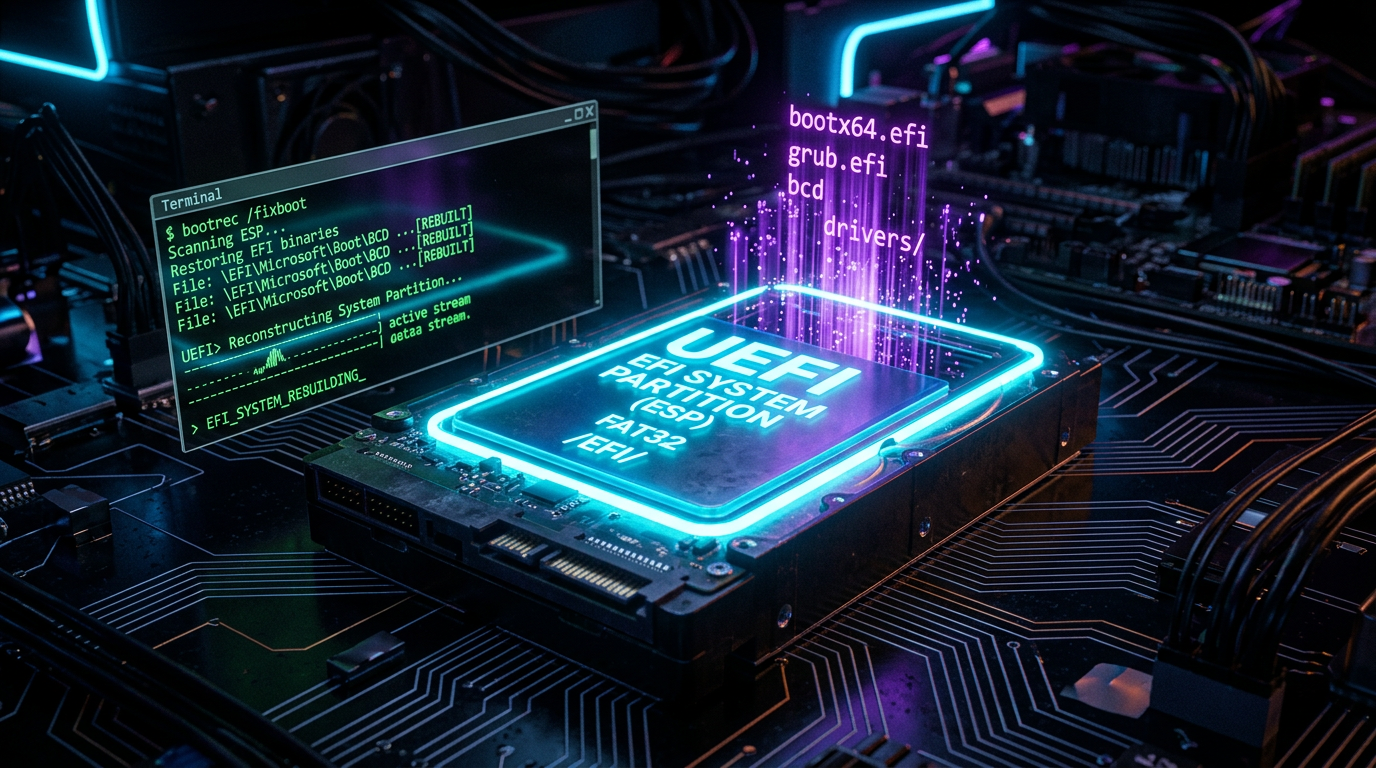
Bootrec /Fixboot Access Is Denied: Repair the EFI Boot Files Safely
'bootrec /fixboot access is denied' on a UEFI/GPT PC usually means you're writing to the wrong place. Rebuild the EFI boot files safely with the right steps.
Read the guide
How to Fix Blue Screen of Death (BSOD) Errors on Windows
A Blue Screen of Death can strike without warning and leave you scrambling for answers. This guide walks you through proven steps to diagnose and permanently fix BSOD errors on Windows 10 and 11.
Read the guide
How to Fix Slow PC Startup: Speed Up Windows Boot Time
A sluggish Windows startup wastes your time every single day — but with the right tweaks, you can cut your boot time dramatically. Learn the proven steps to diagnose and fix slow PC startup for good.
Read the guide
What Is BIOS/UEFI? Understanding Your PC's Core Firmware
BIOS and UEFI are the hidden firmware that powers on your PC and hands control to Windows — understanding them helps you troubleshoot boot failures, optimize hardware settings, and keep your system secure.
Read the guideOther diagnostic guides
Windows Device Failure Diagnostic Guide
Tell a driver problem apart from a power, cable or hardware fault before you reinstall drivers or replace a component.
Diagnose Unusual Windows Responsiveness Problems
Find the process, service or resource behind stalls, hangs, high memory use and a desktop that never finishes loading.
Windows Malware Triage and Removal Decisions
Decide what you are dealing with, how far it has persisted, and whether removal is realistic or the machine should be rebuilt.
Windows Service and Server Incident Runbooks
Read the event log properly and trace a failed service, update or network component back to its actual cause.
Get the free Windows Troubleshooting Checklist
Subscribe and instantly download our 50-point checklist — plus practical Windows diagnostics in your inbox.
No spam. Unsubscribe anytime.