Diagnose Unusual Windows Responsiveness Problems
Find the process, service or resource behind stalls, hangs, high memory use and a desktop that never finishes loading.
“Slow” covers several unrelated failures. A machine pinned at 100% CPU behaves differently from one that pauses for ten seconds at a time, and both differ from a desktop that loads to a black screen and a cursor. The useful step is always the same: attribute the delay to a specific process, service or resource before changing settings. These guides show how to do that with the tools already on the machine, then what to do with the answer.
Work through these questions first
- 1Is the machine short of a resource, or waiting on something?
- 2Which process or service owns the delay?
- 3Does the problem appear at login, under load, or continuously?
- 4Is a background component misbehaving, or is the hardware at its limit?
Having this problem on your own PC?
Describe what's happening and get a real AI diagnosis in seconds — no account needed.
Guides in this series
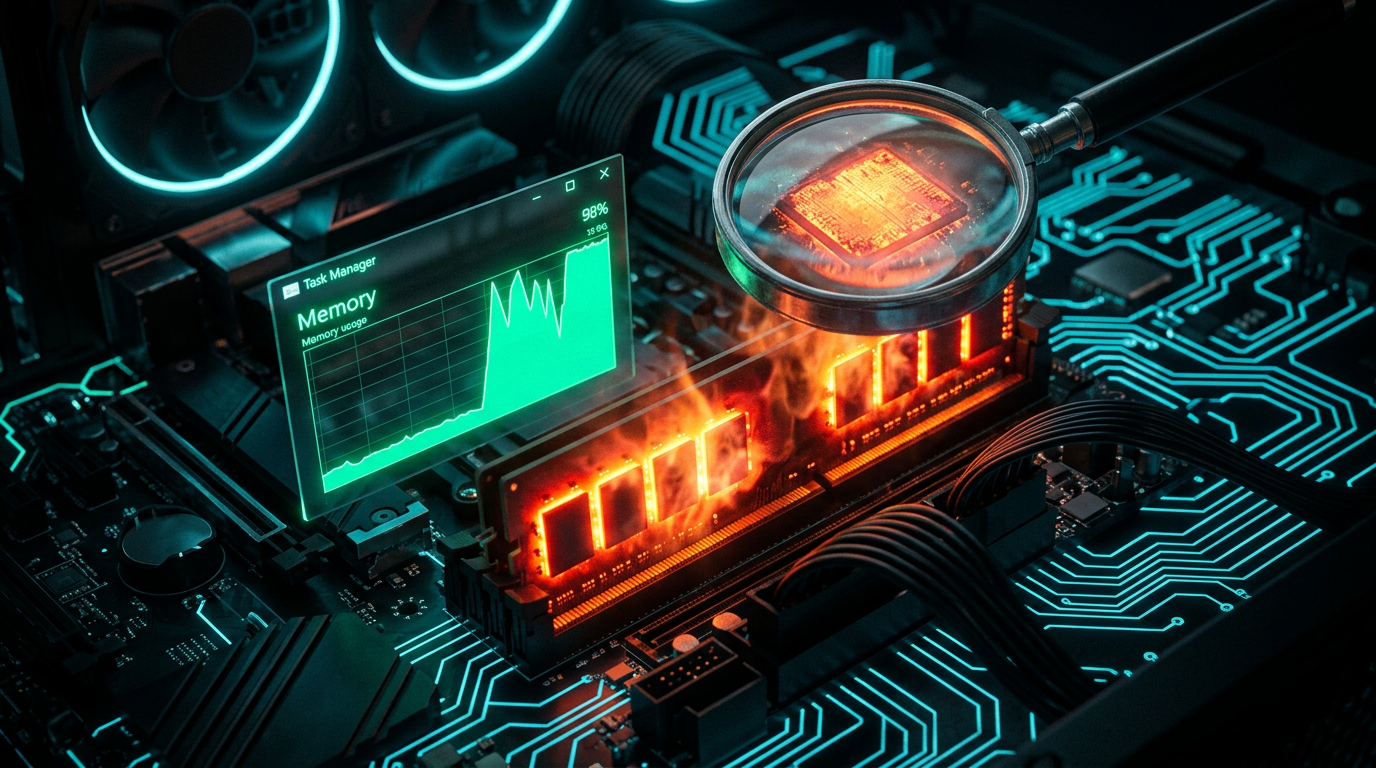
Runtime Broker High Memory Usage: How to Find the App Behind It
Runtime Broker eating your RAM? Learn how to find the app that's really behind the high memory usage and stop it without breaking Windows.
Read the guide
Windows 11 Black Screen After Login With Cursor: Diagnose Explorer and Display Failures
Windows 11 boots to a black screen with only a cursor after login? Diagnose whether Explorer or your display driver has failed — and fix it step by step.
Read the guide
Fix Windows Freezing and Crashing: A Complete Guide
Random freezes and crashes can cripple your productivity and put your data at risk. Follow these proven troubleshooting steps to diagnose and permanently fix Windows instability.
Read the guide
How to Fix High CPU Usage in Windows 10 and 11 PCs
Is your PC running hot and sluggish with the CPU pegged at 100%? Learn how to diagnose and fix high CPU usage in Windows 10 and 11 with these proven, step-by-step solutions.
Read the guide
How to Optimize RAM Usage for a Faster Windows 10/11 PC
Sluggish performance often comes down to how your PC manages memory — learn practical steps to optimize RAM usage and keep your Windows system running at peak speed.
Read the guide
Speed Up Your PC: 10 Proven Ways to Boost Performance
Is your PC running slower than it used to? Discover ten actionable, expert-backed techniques to dramatically improve your computer's speed and responsiveness today.
Read the guide
How to Improve Windows 11 Gaming Performance on Your PC
Struggling with lag, stuttering, or low frame rates in your favorite games? Discover proven tweaks and settings to unlock your PC's full gaming potential on Windows 11.
Read the guide
Windows 11 Diagnostic Tools: Built-In Checks vs Guided PC Analysis
A practical tour of Windows 11's built-in diagnostic tools — and where a guided PC analysis saves you time when the built-in checks aren't enough.
Read the guideOther diagnostic guides
Windows Boot and Recovery Diagnostic Guide
Work out why Windows will not start — firmware, boot configuration, drive detection or a failing repair — before you reset or reinstall.
Windows Device Failure Diagnostic Guide
Tell a driver problem apart from a power, cable or hardware fault before you reinstall drivers or replace a component.
Windows Malware Triage and Removal Decisions
Decide what you are dealing with, how far it has persisted, and whether removal is realistic or the machine should be rebuilt.
Windows Service and Server Incident Runbooks
Read the event log properly and trace a failed service, update or network component back to its actual cause.
Get the free Windows Troubleshooting Checklist
Subscribe and instantly download our 50-point checklist — plus practical Windows diagnostics in your inbox.
No spam. Unsubscribe anytime.