Windows Device Failure Diagnostic Guide
Tell a driver problem apart from a power, cable or hardware fault before you reinstall drivers or replace a component.
Device Manager reports a symptom, not a cause. The same error code appears when a driver is wrong, when a port is underpowered, when a cable is failing and when the component itself is dying — and each of those needs a different response. This guide covers how to narrow it down device by device, what the common codes actually mean, and when the evidence says to stop swapping drivers and check the hardware instead.
Work through these questions first
- 1Is the device recognised at all, or missing from the system entirely?
- 2Does the fault follow the device, the port, or the machine?
- 3Is the installed driver the right one for this exact hardware revision?
- 4Is there wear or a power problem behind the symptom rather than software?
Having this problem on your own PC?
Describe what's happening and get a real AI diagnosis in seconds — no account needed.
Guides in this series
Device Cannot Start Code 10 in Windows 11: A Device-by-Device Diagnostic Guide
"This device cannot start (Code 10)" in Device Manager? Use this device-by-device diagnostic to fix drivers, USB, audio, and network adapters in Windows 11.
Read the guide
How to Fix Windows 10/11 Driver Errors and Device Issues
Driver errors can cause crashes, missing devices, and sluggish performance on your Windows PC. Learn how to diagnose and fix the most common driver problems step by step.
Read the guide
How to Check Laptop Battery Health in Windows 11 and Read the Results
Generate a Windows 11 battery report and learn how to read design capacity, full-charge capacity, and cycle count to judge if your battery is worn out.
Read the guide
How to Fix Windows Audio Problems and Restore Sound
Sudden silence or distorted audio on your Windows PC can be frustrating, but most sound issues are fixable in minutes with the right steps. This guide walks you through every proven method to diagnose and restore audio on Windows 10 and 11.
Read the guide
How to Reduce CPU Temperature and Prevent Overheating
High CPU temperatures can silently throttle your PC's performance and shorten its lifespan. Learn proven techniques to cool your processor and keep your system running at peak efficiency.
Read the guide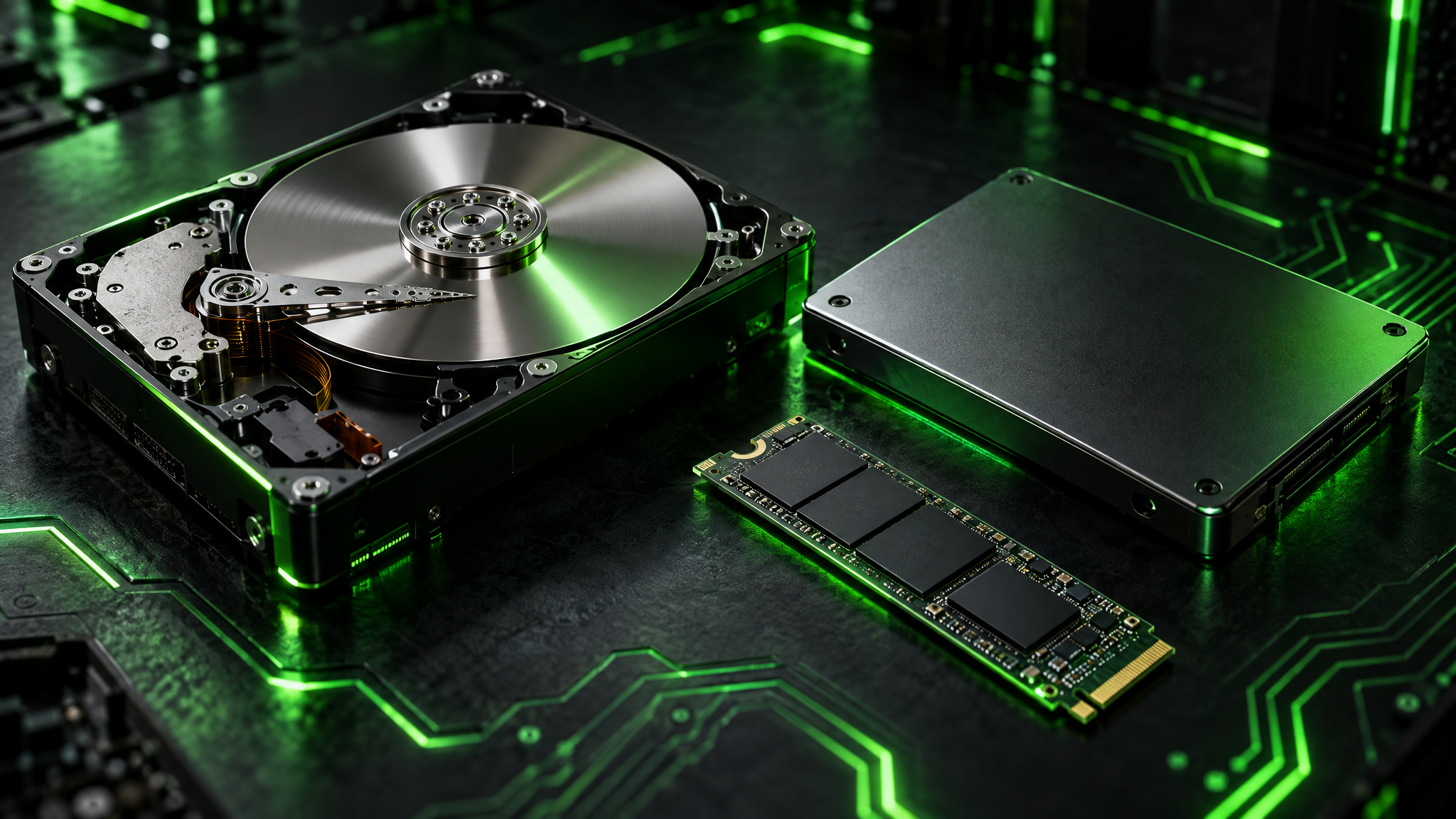
HDD vs SSD vs NVMe: Which Storage Drive Does Your PC Need?
Not all PC storage drives are created equal — understanding the differences between HDD, SSD, and NVMe can dramatically change how fast your computer feels. Learn which drive type is right for your needs and how to check what you currently have.
Read the guide
Understanding PC Hardware: A Beginner's Complete Guide
Confused by CPU cores, RAM slots, and storage types? This guide breaks down every key PC component in plain English so you can make smarter upgrade decisions and keep your machine running at its best.
Read the guideOther diagnostic guides
Windows Boot and Recovery Diagnostic Guide
Work out why Windows will not start — firmware, boot configuration, drive detection or a failing repair — before you reset or reinstall.
Diagnose Unusual Windows Responsiveness Problems
Find the process, service or resource behind stalls, hangs, high memory use and a desktop that never finishes loading.
Windows Malware Triage and Removal Decisions
Decide what you are dealing with, how far it has persisted, and whether removal is realistic or the machine should be rebuilt.
Windows Service and Server Incident Runbooks
Read the event log properly and trace a failed service, update or network component back to its actual cause.
Get the free Windows Troubleshooting Checklist
Subscribe and instantly download our 50-point checklist — plus practical Windows diagnostics in your inbox.
No spam. Unsubscribe anytime.